
How can we help?
How to Create and Submit a Ticket from the Mumuhost Client Area?
Want to submit a new ticket? Follow the simple steps below to raise/submit a ticket at Mumuhost:
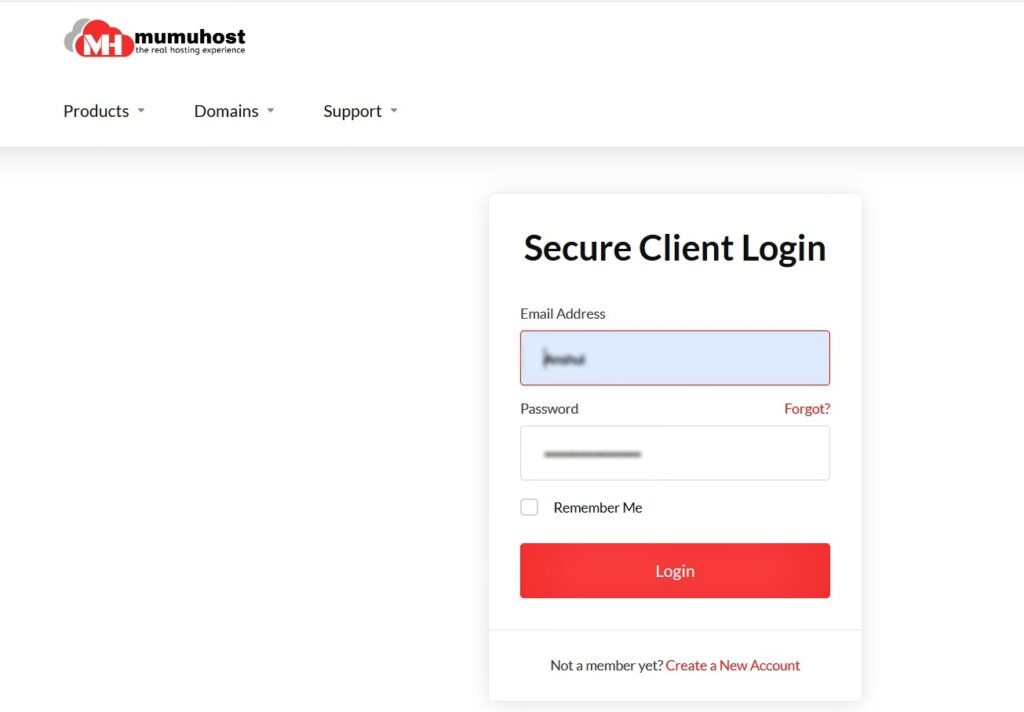
- Login to the Mumuhost Client Area dashboard.
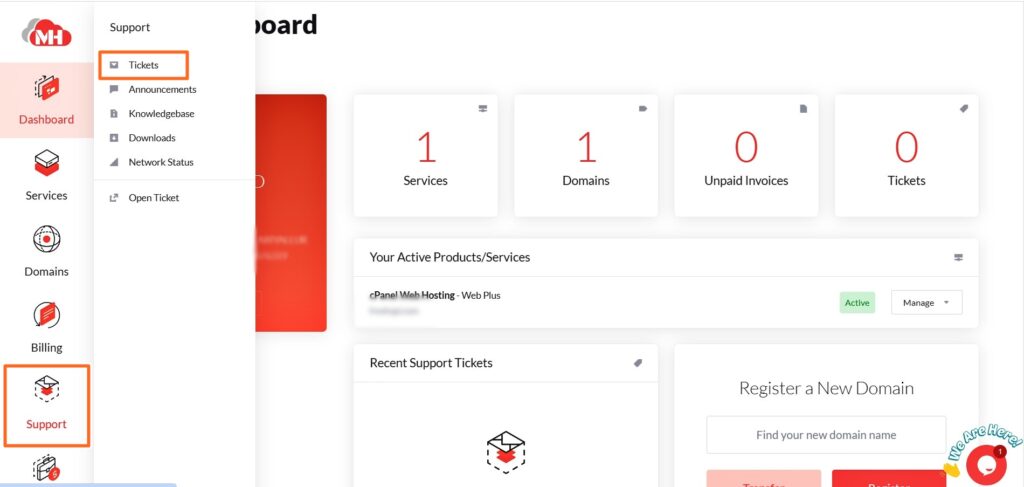
2. Click on the Support icon and then click on the Tickets icon.
3. This will open the Tickets page.
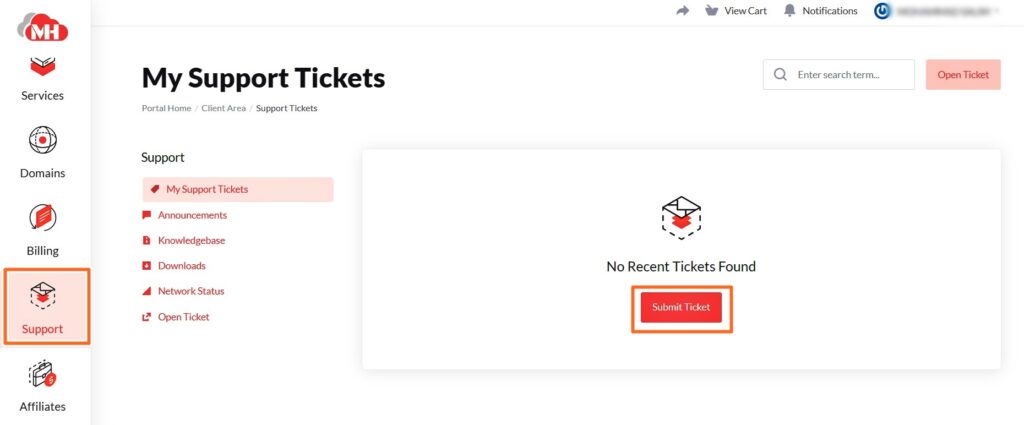
Here click on the Submit Ticket button.
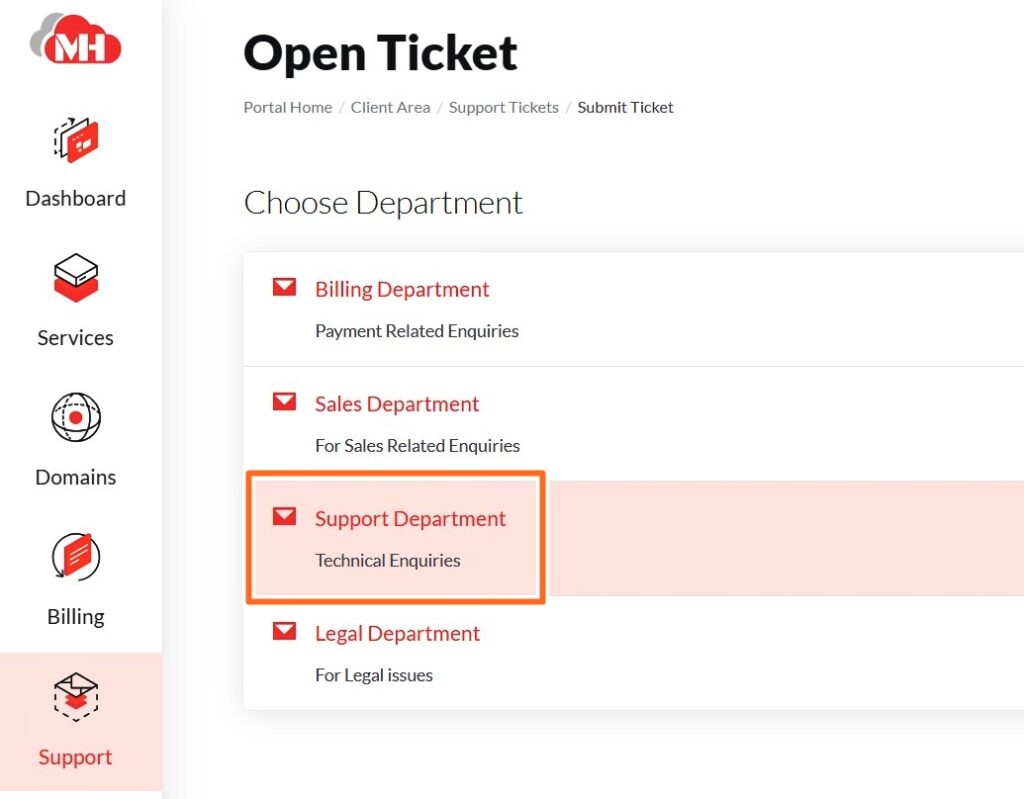
4. Then, select the department for which you want to submit the ticket. There are different options like, Billing, Support, CRM, etc.
For example, here we have selected Support department
5. The Support Department ticket window will open. Here your Name and Email Address is by default submitted. Mention the query in short in the Subject field. Also, enter the message. Explain your query in detail. You can also attach any files or screenshots of the error.