
How to Set Up an Addon Domain in cPanel
The addon domain function in cPanel allows you to host additional domains on your cPanel account. Each addon domain will appear to be a separate website for your visitors.
This article will show you how to set up an addon domain in cPanel.
There are many ways to login to a cPanel account. But, the easiest way is to login to the cPanel account from the Client Area, and then, login to the cPanel account.
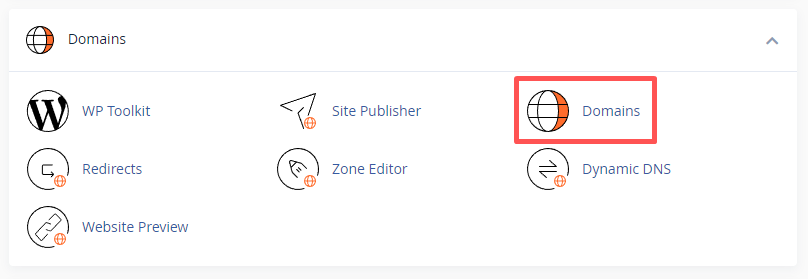
Once you login to cPanel, then, find DOMAINS under the domains sections.
1. Click on Domains.
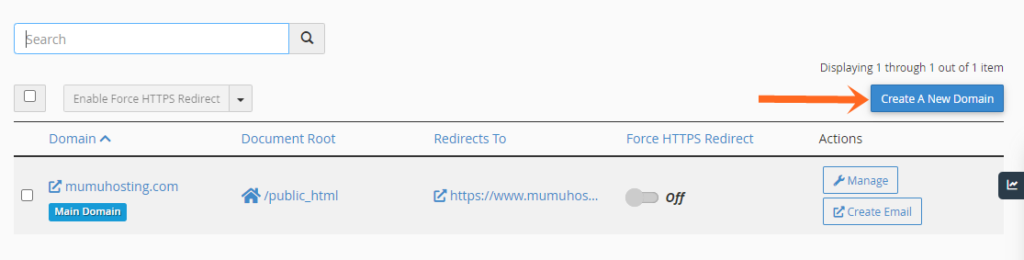
2. Click on Create a New Domain.
3. Enter the domain name you would like to add – you don’t need to enter “www” before the domain. The Subdomain and Document Root fields will be auto-generated. The default auto-generated values are recommended.

7. Click on Submit.
From the cPanel > Domains area, you can see the list of addon domains under your main account, and you can manage or delete these addon domains anytime needed.
That’s it, you have learned how to set up an addon domain in cPanel.